
Storyboard to Video
Problem
-
Solution
-
Audience, Tools, Responsibilities
-
Problem - Solution - Audience, Tools, Responsibilities -
Problem
New hires need to understand the claim process, but they don’t all need a lot of detail.
This video is part of a blended learning solution.
During analysis of the Claims content used in Operations new hire training, there was existing content we could leverage explaining how to find information about claims in various systems and how to handle different claim-related issues from the perspectives of different roles. However, there was a gap. The data was disconnected from context for the claim process that could create a scaffold for learners to see how their piece of the process fit in to a bigger picture.
We wanted to create an introduction to claim processing that could be used across multiple curricula to set up a uniform structure for visualizing the process as a whole, setting learners up to see where the more detailed pieces presented later in training fit into the system. The solution needed to be simple enough to stay evergreen—even if plans and systems changed between departments and evolved over time.
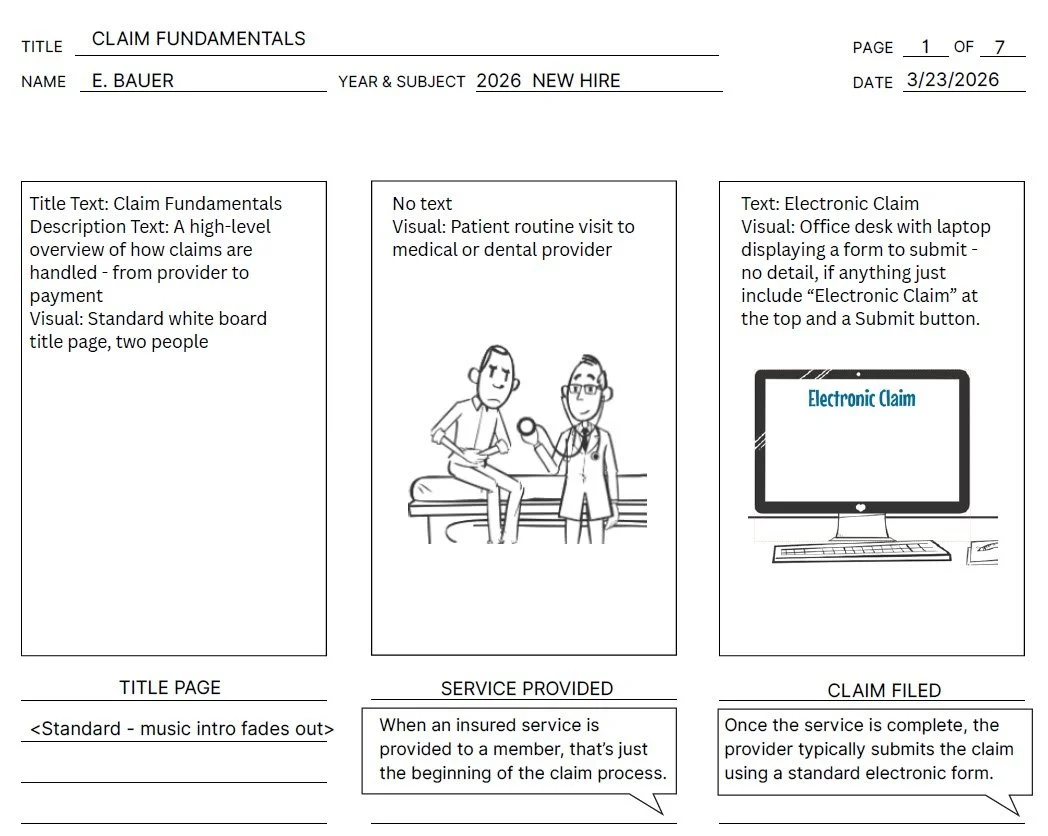
The design phase included scripting and storyboarding a very short video explainer to get subject matter expert (SME) approval before investing in full development.
Solution
A short, simple video could be integrated into multiple programs.
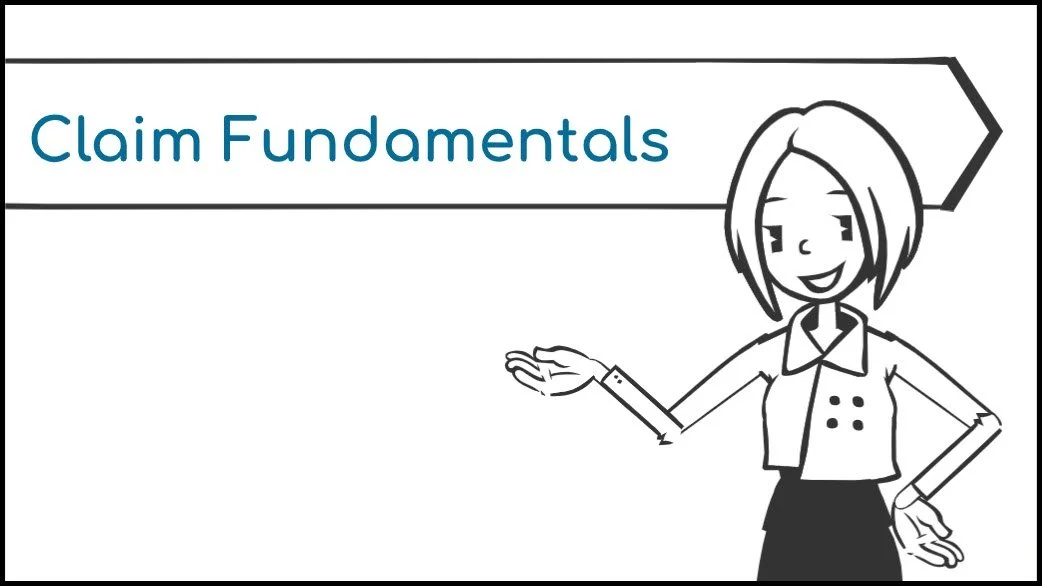
Vyond’s whiteboard video style was a great option to develop a video quickly and to edit it iteratively based on SME responses. During storyboard review indicating an audio script, one concern was that some learners would not have headphones and would be working in an open office where audio playing at each workstation would be distracting. Vyond includes a built-in caption generator; however, it does not currently include controls to turn captions on and off. Instead, since the video would be incorporated into an Articulate Storyline eLearning course, we left the Vyond captions off. Storyline AI could then automatically generate captions once the video was imported, and the Storyline player available in the SCORM packaging has accessibility controls allowing the user to control captions. We considered removing the lip-synch feature on the animated narrator, but determined that mouth movements on a live person don’t stop when audio is muted, so it was okay to keep them.
This basic video was incorporated into multiple new hire programs without the need to make changes.
Audience
New hires in multiple roles across the organization.
Tools
Canva, Vyond
Responsibilities
I identified the need for this video as part of the course and created the storyboard and final approved video. The storyboard and video linked here are recreations of the original proprietary work and are wholly my own.